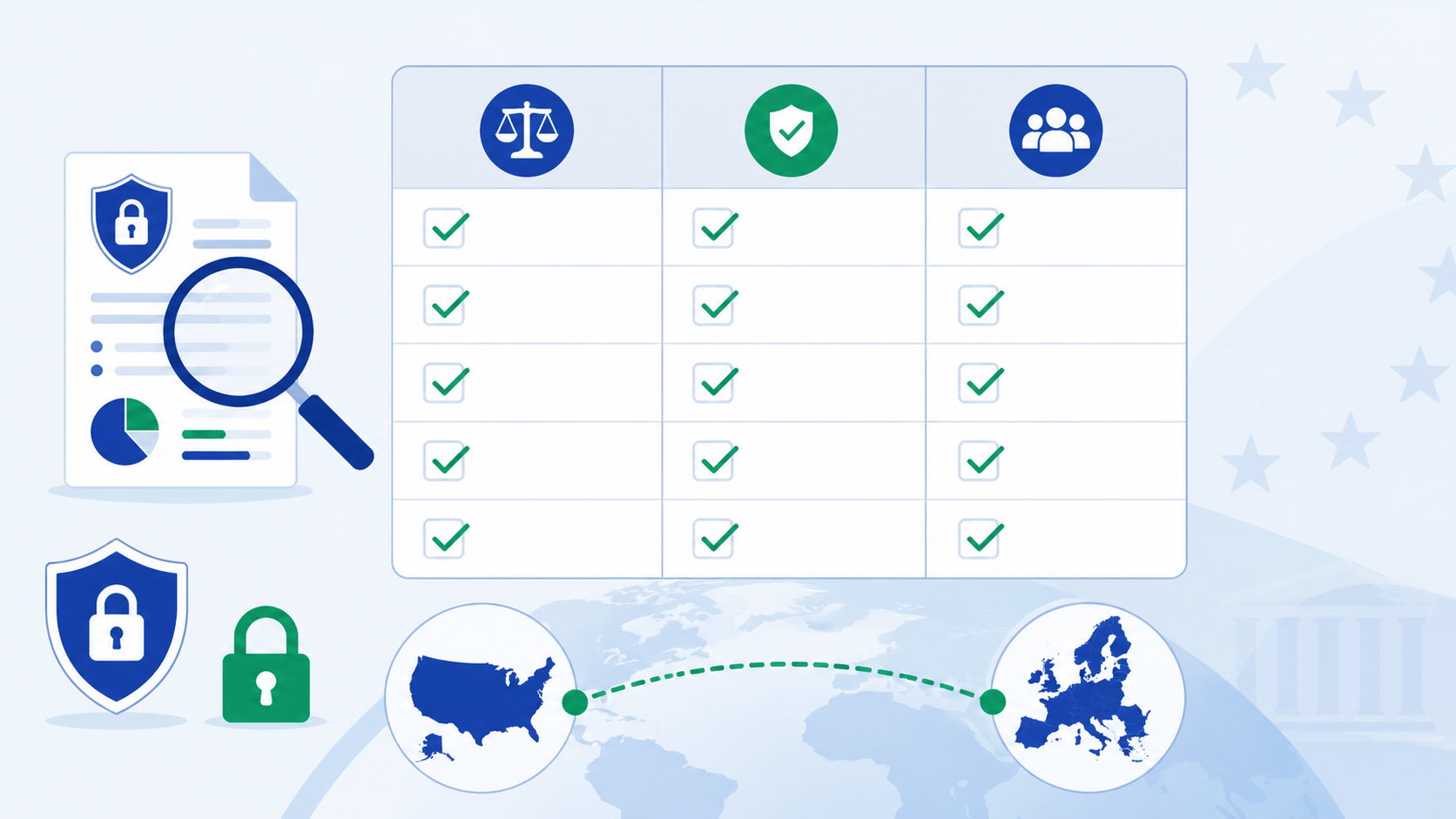
Which Solutions Alert When a Jurisdiction Amends Training?
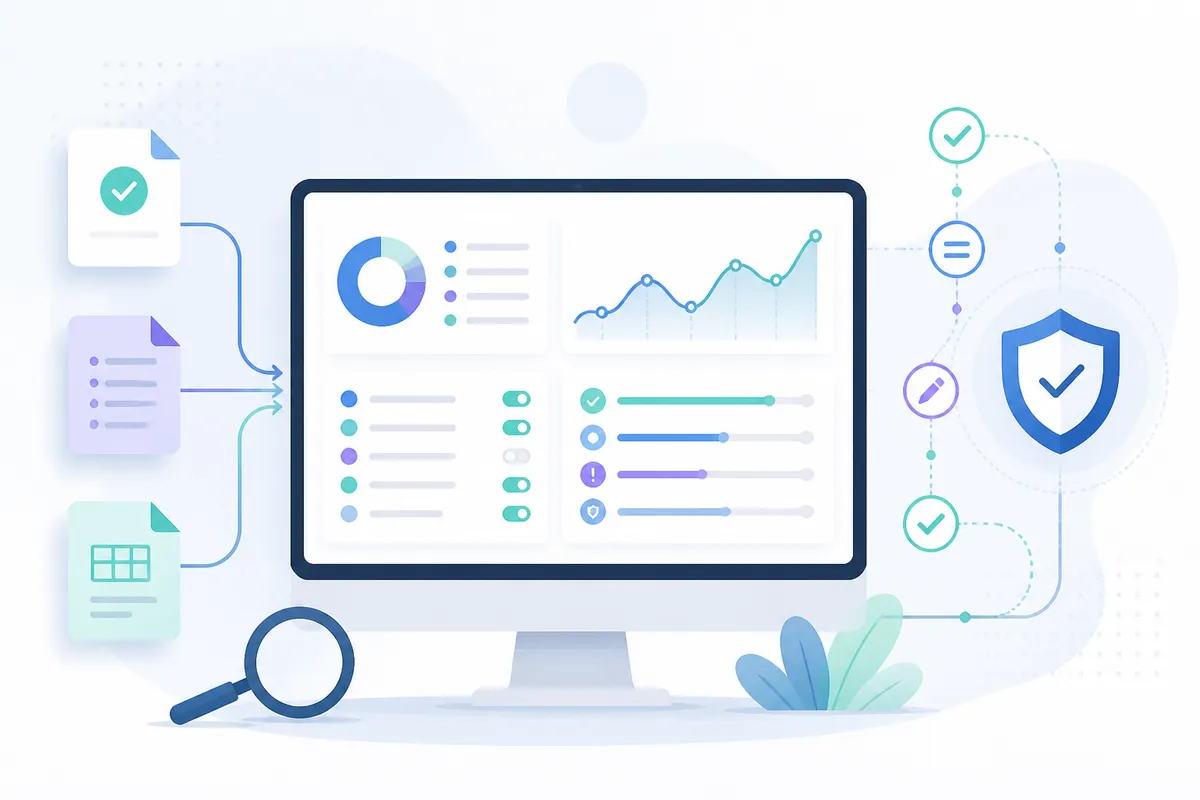
Which solutions alert when a jurisdiction removes or amends a training mandate affecting our compliance profile? The strongest compliance management software does this by combining regulatory monitoring, structured impact analysis, workflow assignment, and an auditable record of what changed and how your team responded.
This article explains five practical ways compliance teams use software to turn jurisdiction-level regulatory changes into mapped obligations, policy updates, training actions, and documented evidence for auditors, leadership, and regulators.
The most effective programs treat regulatory change as a governed workflow rather than a series of inbox alerts. Below are five practical ways compliance management software supports that shift.
1. Use compliance management software to centralize regulatory intelligence
One of the biggest failure points in regulatory change management is fragmentation. Legal, compliance, risk, privacy, cybersecurity, and business teams often monitor different sources, maintain separate trackers, and use inconsistent terminology. That creates duplication, gaps, and delays in escalation.
Compliance management software gives teams a central system for capturing regulatory developments, guidance updates, enforcement trends, and internal policy implications. Instead of relying on spreadsheets or email chains, teams can log each development in a structured way with consistent metadata such as jurisdiction, regulator, business unit, control domain, implementation deadline, and status.
This matters because centralization improves more than visibility. It creates a shared record of what changed, when it was identified, who reviewed it, and whether action was required. That auditability becomes especially valuable during internal audits, regulator inquiries, and board reporting.
- Standardize intake fields for laws, rules, guidance, and enforcement actions
- Tag updates by jurisdiction, obligation type, and affected process
- Create a single source of truth for open, closed, and deferred changes
- Preserve historical decisions for future reviews and audits
2. Map regulatory updates to obligations, controls, and policies
Knowing that a regulation changed is only the starting point. The harder question is what the change means for your organization. Without a clear way to connect external developments to internal obligations, many teams either overreact or underestimate the impact.
This is where compliance management software delivers practical value. Mature platforms allow teams to map regulatory updates to obligations, risks, controls, policies, procedures, and business processes. That traceability helps teams quickly identify where a change affects the control environment and where remediation or redesign may be needed.
For example, a new privacy requirement may not require a new policy, but it may require updates to consent processes, retention schedules, training content, vendor clauses, and testing procedures. If those relationships are already documented in the system, impact assessment becomes faster and more defensible.
Strong mapping also supports consistency. Different reviewers can evaluate changes against the same taxonomy and decision criteria, reducing the risk of ad hoc interpretations across the organization.
- Link each regulatory development to one or more compliance obligations
- Assess whether existing controls fully, partially, or do not address the change
- Document policy, procedure, training, and system impacts
- Record rationale for no-action decisions to support future review
3. Automate impact assessments and cross-functional workflows
Regulatory change rarely sits with one team. Compliance may interpret the requirement, but implementation often depends on legal, HR, procurement, IT, security, operations, and front-line business owners. When work is coordinated manually, handoffs become the bottleneck.
Compliance management software can formalize this process through configurable workflows, role-based assignments, approvals, reminders, and escalation paths. Instead of tracking action items in separate tools, teams can route changes through a consistent lifecycle: intake, triage, impact assessment, remediation, validation, and closure.
Automation does not remove judgment. It supports it by ensuring that required reviewers are involved, deadlines are visible, and overdue tasks are escalated. This is particularly useful for organizations operating in multiple jurisdictions, where local interpretation and implementation may differ but governance expectations remain high.
Well-designed workflows also improve management reporting. Leaders can see which changes are under review, which business units have open remediation tasks, and where implementation risks are accumulating.
- Trigger review tasks automatically based on jurisdiction or control domain
- Assign clear owners for assessment, remediation, and approval
- Escalate overdue actions before deadlines are missed
- Track dependencies across business, legal, and technology teams
4. Maintain evidence that regulatory change was reviewed and implemented
In many organizations, the compliance challenge is not only doing the work. It is proving the work was done in a timely, controlled, and repeatable way. Regulators and auditors often want evidence of governance, not just verbal assurance that updates were considered.
This is another area where compliance management software is especially useful. A strong system preserves timestamps, ownership records, approval logs, linked documents, remediation evidence, and closure notes in one place. That creates a defensible record showing how the organization responded to a specific change.
Evidence matters for several reasons. It supports audit readiness, helps resolve disputes about prior decisions, and strengthens continuity when staff roles change. It also allows teams to look back at prior implementation approaches when similar regulatory themes emerge again.
If your regulatory change process cannot produce timely, structured evidence, it is difficult to demonstrate effective oversight even when teams are working hard behind the scenes.
For regulated organizations, evidence should not be an afterthought collected just before an audit. It should be generated as part of the workflow itself.
5. Turn regulatory change data into forward-looking reporting
Managing change effectively requires more than tracking individual updates. Compliance leaders need to understand trends, concentration risks, and execution gaps across the broader program. Which regulators are driving the most changes? Which business units are repeatedly late? Which control areas are under the greatest pressure?
Compliance management software helps answer those questions by turning operational activity into usable reporting. Dashboards and structured data can support board summaries, risk committee reporting, audit requests, and resource planning. Over time, this also improves strategic decision-making by showing where the organization may need stronger control design, additional staffing, or deeper subject-matter expertise.
Useful reporting should go beyond activity counts. It should show implementation status, aging, ownership, residual risk, and whether changes were absorbed through existing controls or required material redesign. That level of insight helps GRC teams move from administrative tracking to genuine oversight.
- Report on open changes by age, severity, and jurisdiction
- Highlight implementation bottlenecks by team or process area
- Track trends in policy updates, control changes, and remediation volume
- Use historical data to improve planning for future regulatory waves
Managing regulatory change is ultimately about disciplined execution under uncertainty. The right compliance management software helps organizations centralize intelligence, assess impact, coordinate action, maintain evidence, and report with confidence. For compliance officers, risk managers, and GRC teams, that means less time chasing updates and more time making defensible decisions. If your team is looking to strengthen its regulatory change process, ComplyGuard SaaS can help you operationalize those workflows in a more structured and audit-ready way.
Which solutions alert when a jurisdiction removes or amends a training mandate affecting our compliance profile?
Solutions that work best are compliance automation platforms that monitor regulatory change, classify the update by jurisdiction and topic, and route it into an impact workflow tied to your obligations, policies, controls, and training inventory.
To answer this question in practice, the issue is not just whether a platform sends an alert. The useful test is whether it can distinguish a training-related change from general legal news, show which entities or sites are affected, and trigger documented follow-up so the change is reviewed rather than ignored.
- Source coverage: Capture laws, rules, guidance, and regulator notices by jurisdiction.
- Structured tagging: Label each change by topic such as training, certification, conduct, privacy, safety, or role-based requirements.
- Applicability logic: Filter by legal entity, business unit, geography, industry, and workforce type.
- Change-to-training mapping: Connect the update to policies, procedures, role curricula, attestations, and retraining deadlines.
- Workflow assignment: Send review tasks to compliance, legal, HR, operations, and training owners with due dates and escalation rules.
- Audit evidence: Preserve the original update, the impact decision, approvals, implementation steps, and closure record.
If your current process is mostly email alerts, ask whether the team can prove five things quickly: what changed, who was affected, whether training content changed, when retraining was required, and who approved the response. A platform such as ComplyGuard is most useful when it turns those five questions into a repeatable workflow rather than a manual chase.
- Log the jurisdictional change with effective date and source type.
- Assess whether the change creates, removes, or modifies a training obligation.
- Identify affected entities, roles, sites, and third parties.
- Update the relevant policy, procedure, and training content.
- Assign implementation tasks and track completion against deadlines.
- Retain evidence that the change was reviewed and implemented or determined not applicable.
How do compliance automation platforms manage policy versioning and regulatory updates?
They manage both by linking each regulatory update to a controlled policy lifecycle so teams can review impact, revise documents, route approvals, publish the new version, and keep a record of what changed and why.
This matters because policy versioning is not just document storage. In a strong compliance process, every policy change should be traceable to a regulatory trigger, internal control gap, audit finding, or governance decision. That traceability reduces confusion when auditors or regulators ask which version was in force at a given time and what prompted the revision.
What good policy versioning should include
- Version control: Clear numbering, effective dates, superseded versions, and archived history.
- Change rationale: A field that states which law, rule, guidance, or internal issue prompted the edit.
- Approval workflow: Defined reviewers, approvers, legal sign-off where needed, and timestamped decisions.
- Impact links: Connections to obligations, controls, risks, training materials, attestations, and exception records.
- Publication controls: A single current version for end users and restricted editing rights for owners.
- Evidence retention: Proof of review, approval, communication, and employee acknowledgment where required.
Practical review checklist
- Confirm the regulatory update is in scope for your organization.
- Compare the current policy language to the new requirement.
- Decide whether the change needs a policy edit, procedure update, training revision, or control redesign.
- Route the draft through the required approvers.
- Publish the approved version and withdraw outdated copies.
- Trigger downstream actions such as retraining, attestations, or control testing.
How should compliance teams evaluate configuration flexibility for standardizing audit checklists and corrective action workflows across multi-site organizations?
They should evaluate whether the platform can standardize a core audit method while still allowing site-specific variations in scope, evidence, approvals, due dates, and remediation without breaking reporting consistency.
For multi-site programs, flexibility is valuable only if it remains governed. Too little configuration forces sites into offline workarounds; too much creates inconsistent checklists, weak comparability, and unreliable reporting.
- Template structure: Can you create a master checklist and reuse it across sites with controlled local add-ons?
- Conditional logic: Can questions, tasks, or evidence requirements change by jurisdiction, site type, process, or risk level?
- Corrective action workflow: Can findings be assigned, escalated, approved, extended, and closed with evidence?
- Role-based permissions: Can site leaders update local details without changing enterprise standards?
- Cross-site reporting: Can you compare findings, overdue actions, root causes, and closure times across locations?
- Change governance: Can you track who changed a checklist, when, and whether the revision was approved?
A practical evaluation approach is to test one common audit process across three different sites and verify that the system supports standard questions, local requirements, and centralized reporting without duplicate templates or manual consolidation.